

EN FR
Try the demo
Menu

Solution

Six building blocks that read each other.

Scheduling, training, HACCP, stock, tasks: what each block does, what it connects to, and one example followed from start to finish.

The owner alone before opening: coffee, phone, reports and notes.

Run

What you see in the morning, for one site and for the whole network.

An area manager walks from one restaurant to the next, phone in hand.

Today

The page that opens in the morning: what needs doing at your site, sorted by urgency.

  • One action feed sorted by due date: overdue, today, tomorrow, later.
  • What is waiting for your decision: leave requests, training sign-offs, one-to-ones to schedule.
  • Missing checks: today’s temperature log, this week’s audit, weighing, the weekly report.
  • Tasks assigned to you, with their due date.
  • Last month’s revenue, once the POS is connected.

Network

From two sites up: the same information side by side, without calling every restaurant.

  • Key figures for all your sites, compared.
  • Profitability and margin for each site.
  • Audit results and weekly reports from every site, read in one place.
  • The week’s schedule for every site in a single view.

Visible to supervisors and above, for the sites they are assigned to.

Team

Who works when, and who can do what.

Two people in aprons: one points to a task on the tablet, the other takes notes.

Team & training

From a new hire’s first day to working on their own, with a record of what they learned.

  • Welcome booklet fitted to the role, site and language, reviewed by you before use.
  • Step-by-step onboarding: the house code is read and signed first.
  • Job modules with automatically graded quizzes.
  • Skills validated and dated by a manager; on-the-job training scheduled skill by skill.
  • One-to-ones prepared from dated facts: hours, absences, validated skills.

Scheduling & time

The planned schedule, the hours actually worked, and the gap between the two.

  • Weekly schedule per site, copied from one week to the next, published to staff by email and notification.
  • Time clock on the site tablet, with a personal code.
  • Leave requests, decided by the manager.
  • Hours balance per employee: running total, this week’s gap, mismatches between contract and schedule flagged.
  • Hours budget worked out from expected revenue, shown while you build the schedule.

Operations

What gets done in the kitchen, and the proof that it was.

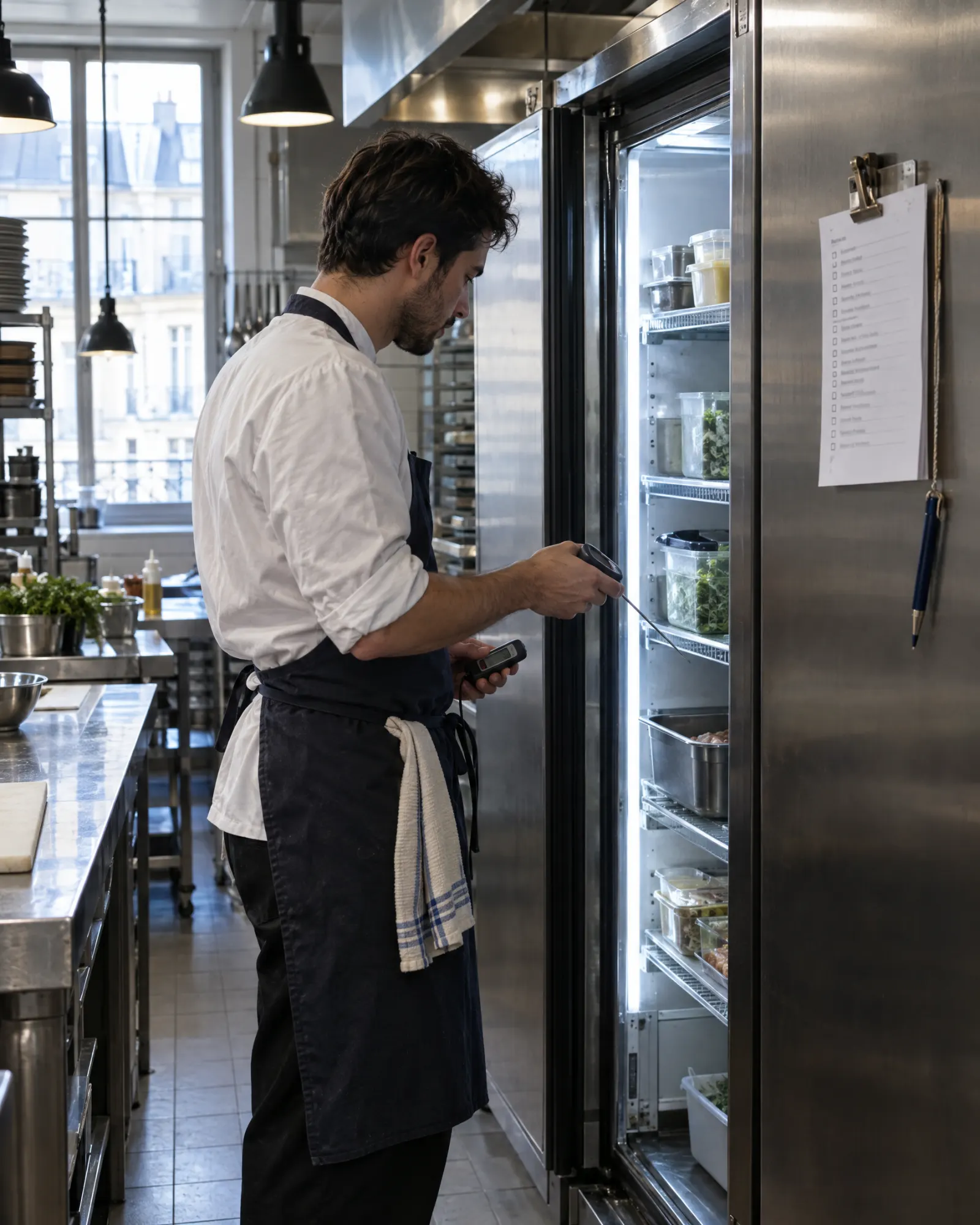
A team member checks a fridge at opening, the paper checklist beside it.

Quality & HACCP

Logs, checks and their history, in one place.

  • Opening, closing and prep checklists, with their history.
  • Temperature logs, cooling, core cooking temperature, frying oil, use-by dates and labels.
  • Sensors in cold rooms: curve, alert, and an alert only closes once the corrective action is recorded.
  • Goods-in checks with a photo of the delivery note; batch search in case of a product recall.
  • Audit grids and the history of results.

Sensors sold separately.

Stock & production

What comes in, what goes out, and what it costs.

  • Products, suppliers, orders and goods-in.
  • Supplier invoices read and matched to products: you confirm the doubtful cases.
  • An alert when a supplier raises a purchase price.
  • Recipes and cost price, stock counts, expected stock, losses with their reason.
  • Production weighing and site orders to the central kitchen.

How they connect

One night, one cold room, five steps.

Whatever one block records, the next one sees. Nobody types it twice, nobody has to remember it.

Fictional example

  1. Tuesday, 11:10 pm

    Quality & HACCP

    The cold room sensor goes above its threshold. The site’s managers are notified.

  2. Wednesday, 7:40 am

    Quality & HACCP

    The manager checks the products. The alert only closes once the corrective action is recorded: who, when, what was decided.

  3. Wednesday, 8 am

    Today

    She creates a task for the closing team: check the door every night this week. It shows up, with its due date, on their Today page.

  4. Thursday

    Team & training

    She schedules training on the skill in question for two closing commis. They are notified and find it in their learning path.

  5. Saturday

    Network

    The site’s weekly report mentions it. The owner reads it in the Network view, next to the reports and audits from the other sites.

Tsuno connects the facts; it never points at a culprit. At every step, the manager decides what happens next.

Questions about the blocks

Do I have to use every block?

No. The core is always on: Today, team, training and one-to-ones. Scheduling, stock, HACCP, checklists or audits are switched on as you need them, and can be added later.

I run a single restaurant. Is it still useful?

Yes. Every block works for a single site. Only the Network view needs at least two sites to appear.

Do I need temperature sensors?

No, and they are sold separately. Without sensors, readings are entered on the site tablet, and a missing reading shows up on Today.

Do the blocks read my POS or payroll?

Once the tool is connected, yes: sales, for instance, feed revenue and recipe costs. The real status of each tool is shown on the Integrations page.

See them run together.

The Demo Restaurant is a fictional restaurant: ask it a question in plain language, about its schedule, its team or its logs.

No account needed. Demo restaurant: places, names and readings are made up.